GB WhatsApp Security and Privacy Guide
GB WhatsApp is packed with features, but using it safely requires understanding its security and privacy settings. Because it is a third party app, you need to take extra steps to protect your chats, account, and personal data. This 2026 security and privacy guide explains the best settings, tools, and habits to keep your GB WhatsApp experience safe and private.
Why Security and Privacy Matter in GB WhatsApp
GB WhatsApp is not available on the Google Play Store, which means Meta does not review or verify it. While the app is widely used, it does come with certain risks. Fake APK files, data leaks, and account bans are real concerns. By following a few security practices, you can enjoy all the features of GB WhatsApp while keeping your information safe.
Download GB WhatsApp from Trusted Sources Only
The first and most important step is to download GB WhatsApp only from verified and trusted sources. Many fake websites host modified APK files that contain malware or spyware.
- Use the official GB WhatsApp developer website
- Check reviews and user comments before downloading
- Verify the file size and developer name
- Avoid random links shared on social media
- Scan the APK with an antivirus before installing
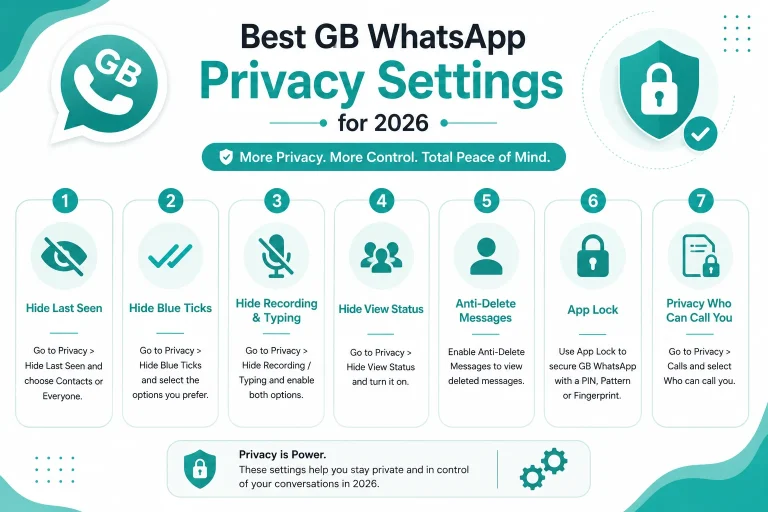
Enable App Lock for GB WhatsApp
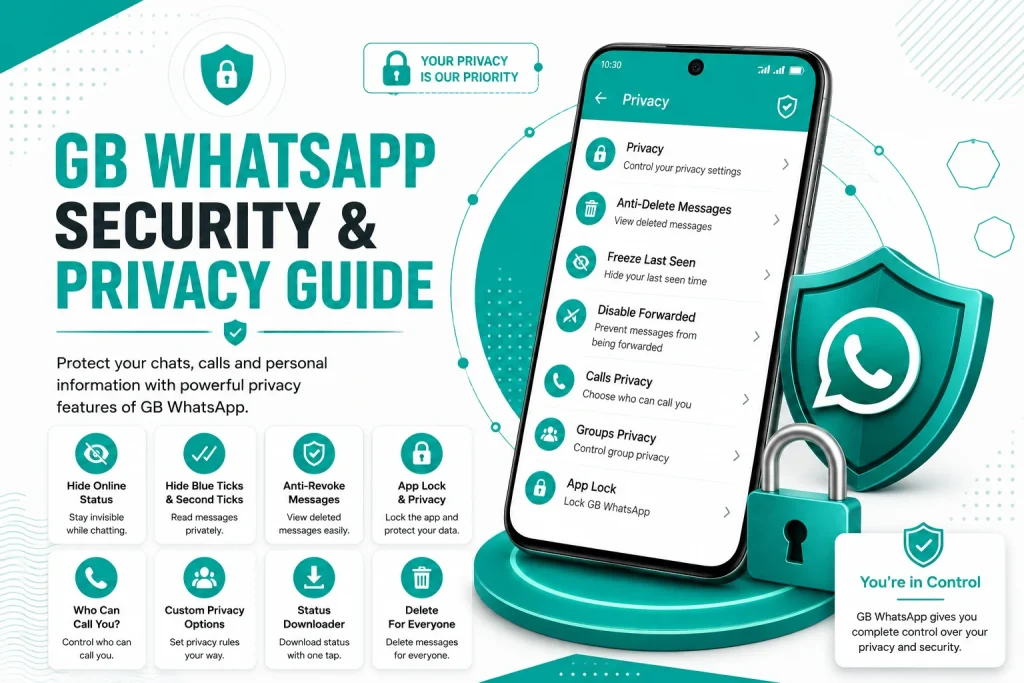
GB WhatsApp has a built in app lock that prevents others from opening the app without a password or fingerprint.
- Open GB WhatsApp and go to GBSettings
- Tap on Privacy and then App Lock
- Choose between PIN, pattern, or fingerprint lock
- Set the auto lock timer
- Enable lock on startup for maximum security
Lock Specific Chats with Password
In addition to the app lock, GB WhatsApp allows you to lock individual chats. This is perfect for sensitive conversations.
- Open the chat you want to lock
- Tap on the contact name or group name
- Scroll down and select Lock Chat
- Set a PIN, pattern, or fingerprint for the chat
- The chat will be hidden and locked behind authentication
Use Two Step Verification
Two step verification adds an extra layer of security to your WhatsApp account. Even if someone steals your SIM or verification code, they cannot access your account without the custom PIN.
- Open GB WhatsApp and go to Settings
- Tap on Account and then Two Step Verification
- Create a six digit PIN
- Add an email address for PIN recovery
- Enable two step verification for full protection
Best Privacy Settings to Enable in GB WhatsApp
Turn on the following privacy settings to keep your activity hidden from unwanted contacts.
| Privacy Setting | Recommended Status |
|---|---|
| Hide online status | On for everyone |
| Hide last seen | On for everyone |
| Disable blue ticks | On for everyone |
| Hide second tick | On for everyone |
| Hide typing status | On for everyone |
| Hide recording status | On for everyone |
| Hide view status | On for everyone |
| Anti revoke messages | On |
| Freeze last seen | Optional |
| Status privacy | Custom list only |
How to Enable End to End Encryption in GB WhatsApp
GB WhatsApp uses the same end to end encryption as the official WhatsApp. To make sure your chats are encrypted:
- Always use the latest version of GB WhatsApp
- Avoid using modified mods that disable encryption
- Do not use third party plugins or add ons
- Restart the app after updates to apply encryption settings
- Use chat lock for sensitive conversations
How to Protect Your GB WhatsApp Backups
Backups contain your entire chat history, so they must be protected.
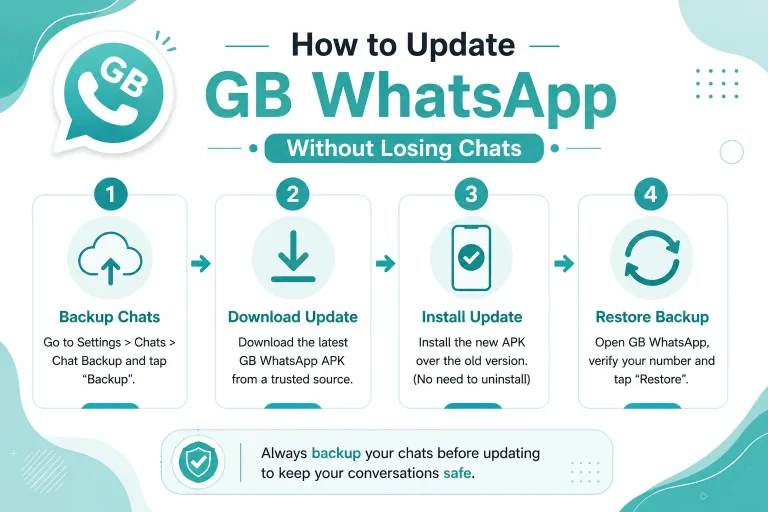
- Enable encrypted local backups in GBSettings
- Use a strong Google account password for cloud backups
- Do not store backup files in public cloud folders
- Regularly delete old backups from your phone
- Keep at least one offline backup in a safe location
How to Detect Fake or Unsafe GB WhatsApp Versions
Using the wrong version of GB WhatsApp can put your data at risk. Watch out for these warning signs.
- The app asks for unusual permissions
- It contains too many ads and pop ups
- The developer name is unknown
- The version is much older than the latest release
- The app crashes frequently after install
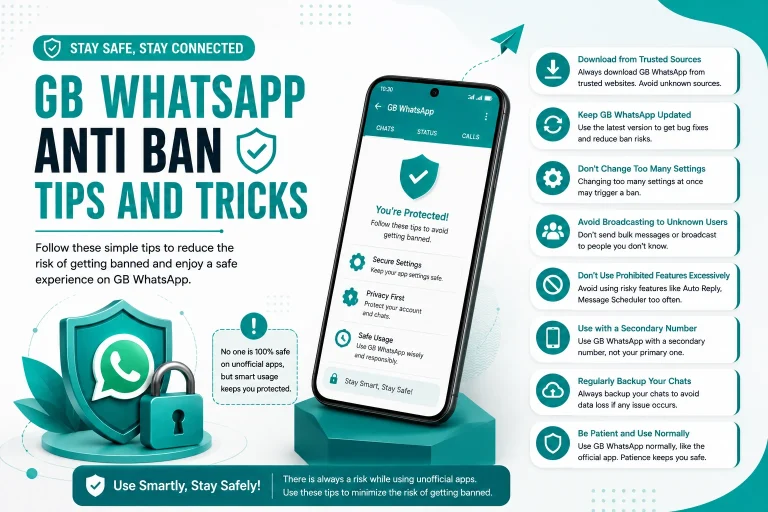
How to Avoid Account Bans in GB WhatsApp
To keep your account safe from temporary bans, follow these tips.
- Always use the latest anti ban version
- Avoid sending bulk or spam messages
- Do not use automated bots with GB WhatsApp
- Enable anti ban mode in the settings
- Do not switch between modded apps frequently
How to Stay Safe When Using Public Wi-Fi
Public Wi-Fi networks are risky for messaging apps. If you must use them, take these precautions.
- Avoid logging into GB WhatsApp on open networks
- Use a trusted VPN service
- Turn off auto media download on public networks
- Log out of WhatsApp Web if you used it
- Avoid sharing sensitive information over public Wi-Fi
Common Security Mistakes to Avoid in GB WhatsApp
Many users unknowingly put their data at risk. Avoid these common security mistakes.
- Sharing verification codes with anyone
- Saving passwords in plain text notes
- Using the same PIN for chat lock and phone lock
- Ignoring GB WhatsApp updates
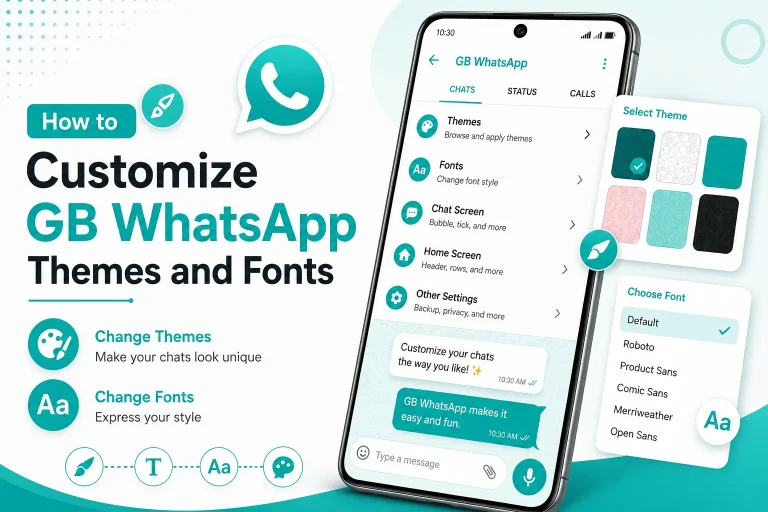
- Downloading themes from unverified websites
- Clicking on unknown links received in chats
Recommended Security Apps to Use with GB WhatsApp
To add an extra layer of security, consider using these tools alongside GB WhatsApp.
| App | Purpose | Best For |
|---|---|---|
| Antivirus | Scan APK files | All users |
| VPN | Encrypt internet | Public Wi-Fi users |
| App locker | Lock other apps | Shared device users |
| Password manager | Store strong passwords | Business users |
| File locker | Protect backups | Privacy focused users |
Final Thoughts on GB WhatsApp Security and Privacy
GB WhatsApp offers powerful features, but keeping your account and data safe requires active effort. By downloading the app from trusted sources, enabling app lock, turning on two step verification, and adjusting your privacy settings, you can use GB WhatsApp with peace of mind. Combine these habits with regular updates and safe backup practices, and you will enjoy a secure messaging experience in 2026.
Frequently Asked Questions
Is GB WhatsApp secure for personal use?
GB WhatsApp is reasonably secure if downloaded from a trusted source and used with the recommended security settings like app lock and two step verification.
Can someone hack my GB WhatsApp account?
Hacking is unlikely if you keep your verification code private, use two step verification, and avoid installing fake APK files from unknown sources.
Does GB WhatsApp have end to end encryption?
Yes, GB WhatsApp uses end to end encryption just like the official WhatsApp, so your messages stay private between you and the recipient.
How do I know if my GB WhatsApp version is safe?
A safe GB WhatsApp version is the latest release from a trusted developer, with no unusual permissions, fewer ads, and stable performance.
Should I use two step verification on GB WhatsApp?
Yes, two step verification is highly recommended. It adds a PIN layer that protects your account even if someone gets your verification code.