Best GB WhatsApp Privacy Settings for 2026
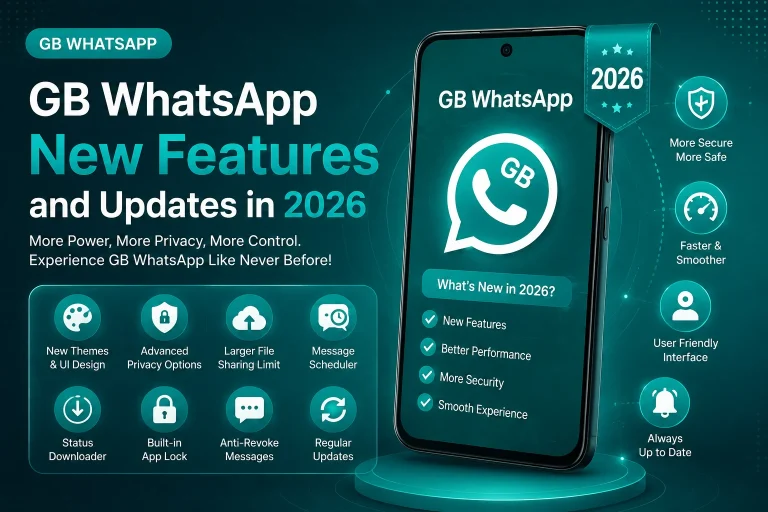
Privacy is the number one reason most users switch to GB WhatsApp. While the official WhatsApp offers very limited privacy controls, GB WhatsApp gives you dozens of powerful options to stay invisible, control who sees your activity, and protect your chats. In this 2026 guide, you will learn the best GB WhatsApp privacy settings that you should turn on right now.
Why Privacy Settings Matter in GB WhatsApp
GB WhatsApp is built around giving users full control over their visibility and personal data. By adjusting a few settings, you can hide your online presence, disable read receipts, prevent others from seeing your status updates, and even lock specific chats. These features are not just convenient, they are essential for users who value personal space and confidential conversations.
How to Access Privacy Settings in GB WhatsApp
Before turning on the best privacy options, you need to know where to find them. Open GB WhatsApp, tap the three dots in the top right, and select GB Settings. From there, navigate to Privacy and Moderation. This is the main hub for all privacy controls in GB WhatsApp.
Top GB WhatsApp Privacy Settings to Enable in 2026
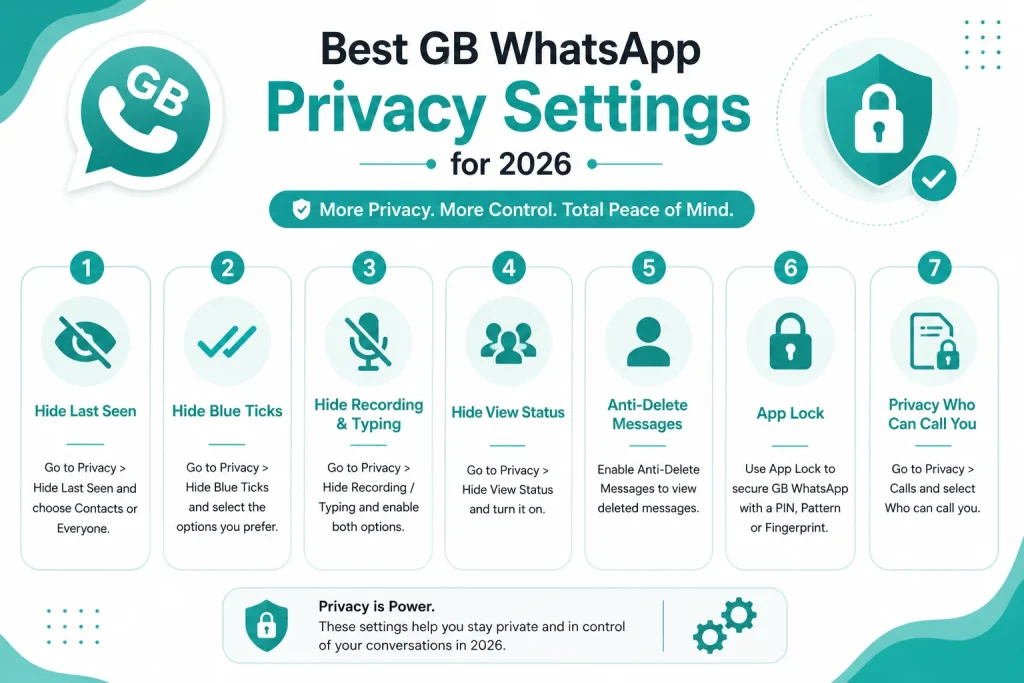
Below are the most important privacy settings you should enable to maximize your privacy on GB WhatsApp.
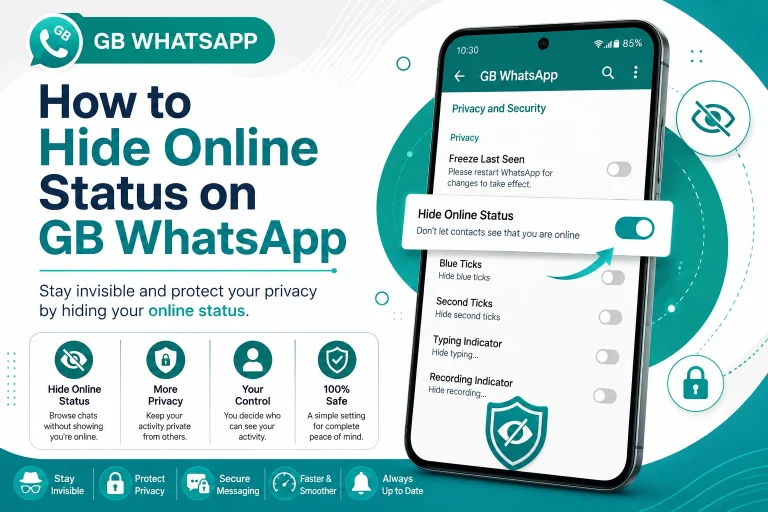
Hide Online Status
Turning on this feature prevents your contacts from seeing when you are online. You can browse the app, read messages, and reply later without anyone knowing. This is one of the most popular features in GB WhatsApp.
Hide Last Seen
GB WhatsApp lets you hide your last seen from specific contacts or everyone. You can still see the last seen of others while keeping yours hidden, giving you a major privacy advantage.
Disable Blue Ticks and Read Receipts
With this setting, you can read messages without sending blue ticks. You can also choose to still see others’ blue ticks while keeping yours off. This is great for reading messages privately before deciding to reply.
Hide Second Tick
This setting hides the second grey tick that confirms a message has been delivered to your phone. It adds another layer of privacy for users who do not want senders to know their message was received.
Hide Typing and Recording Status
This option prevents others from seeing when you are typing a message or recording a voice note. It is perfect for users who like to take their time composing replies.
Hide View Status
If you do not want someone to know that you viewed their status update, GB WhatsApp lets you view statuses anonymously. You can watch all updates without your name appearing in the viewers list.
Anti Revoke Messages
This feature lets you read messages that the sender has deleted. Even after a sender taps delete for everyone, the message will still appear in your chat. This is one of the most loved GB WhatsApp features.
Status Privacy
GB WhatsApp allows you to share status updates with only selected contacts, hide status from specific people, and even send fake views to your own status for testing.
Quick Summary of Recommended Privacy Settings
To make things easier, here is a quick checklist of the privacy settings you should turn on.
| Privacy Feature | Recommended Setting |
|---|---|
| Hide online status | On for everyone |
| Hide last seen | On for everyone |
| Disable blue ticks | On for everyone |
| Hide second tick | On for everyone |
| Hide typing indicator | On for everyone |
| Hide recording status | On for everyone |
| Hide view status | On for everyone |
| Anti revoke messages | On |
| Status downloader | On |
| Lock individual chats | On for private chats |
How to Lock Specific Chats in GB WhatsApp
GB WhatsApp allows you to lock individual chats using a PIN, pattern, or fingerprint. This adds an extra security layer for sensitive conversations.
- Open the chat you want to lock
- Tap the chat name at the top
- Scroll down and select Lock Chat
- Choose between PIN, pattern, or fingerprint lock
- Save the settings
How to Use the Anti Ban Privacy Mode
GB WhatsApp also includes an anti ban privacy mode that reduces the chance of your account being flagged by WhatsApp. This setting makes your usage patterns look normal to WhatsApp servers. It is recommended to keep this feature turned on at all times.
Best Privacy Settings for Business Users
If you use GB WhatsApp for work or business, you need a different set of privacy options. Business users should focus on the following settings.
- Keep online status visible during work hours
- Disable auto reply for personal contacts
- Enable lock chat for confidential business chats
- Use status privacy to control who sees your updates
- Enable anti revoke to recover important client messages
Best Privacy Settings for Personal Users
Personal users usually want maximum invisibility. Here is the best setup for personal use.
- Hide online status completely
- Hide last seen from everyone
- Turn off all read receipts
- Use anti revoke messages
- Enable chat lock for sensitive conversations
- Download statuses privately
Common Privacy Mistakes to Avoid
Even with GB WhatsApp, some privacy mistakes can put your data at risk. Avoid the following common errors.
- Sharing personal information in public GB WhatsApp groups
- Using the same password for chat lock and other apps
- Granting unnecessary permissions to GB WhatsApp
- Not updating the app, which can leave security gaps
- Disabling anti revoke when you need to recover important messages
- Sharing screenshots of private chats online
Final Thoughts on GB WhatsApp Privacy Settings
GB WhatsApp gives you full control over your messaging privacy in 2026. By enabling the right privacy features, you can chat without being seen online, read messages without sending blue ticks, and protect sensitive chats with locks and passwords. Take a few minutes to go through the settings, turn on the recommended options, and enjoy a truly private messaging experience.
Frequently Asked Questions
How do I hide my online status on GB WhatsApp?
Open GB WhatsApp, go to GB Settings, then Privacy, and turn on Hide Online Status. Your contacts will no longer see when you are active on the app.
Can I read messages without blue ticks in GB WhatsApp?
Yes, GB WhatsApp lets you disable blue ticks so you can read messages without the sender knowing. You can still see blue ticks on your own messages.
Can I see deleted messages on GB WhatsApp?
Yes, the anti revoke feature in GB WhatsApp lets you see messages even after the sender deletes them. This works for both text and media messages.
How do I lock a specific chat in GB WhatsApp?
Open the chat, tap the contact name, scroll to Lock Chat, and set a PIN, pattern, or fingerprint. The chat will be locked and require authentication to open.
Is GB WhatsApp private and secure in 2026?
GB WhatsApp includes end to end encryption and advanced privacy controls. While it is more private than the official app in many ways, it is still a third-party app, so use it wisely and keep backups of important chats.